


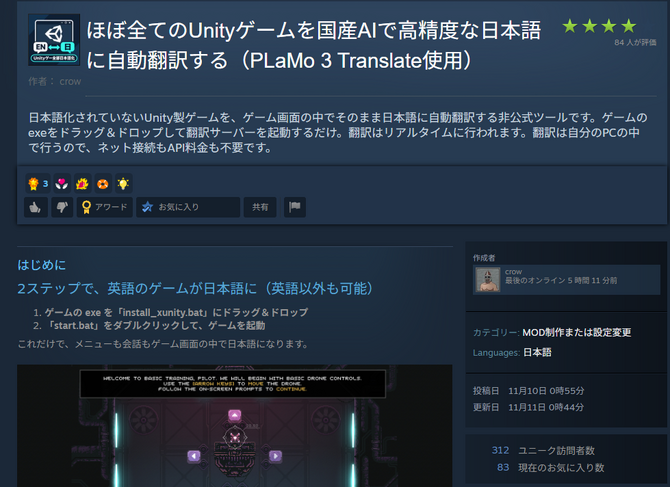
Following the free release of “Japan’s AI Translation Tool,” a real-time automatic translation tool for games has been made available.
Enables real-time translation of Unity games
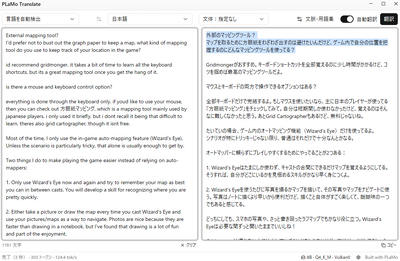
The newly released tool utilizes “PLaMo 3 Translate,” a Japanese-developed translation AI that was recently made available. Since PLaMo 3 Translate processes data locally on the user’s device without communicating with external servers, it can be used without restrictions and is free for personal use—which is why it’s already being incorporated into a variety of translation apps.
This tool is described as “automatically translating virtually all Unity-made games in real time.” After downloading some initial data, it essentially sets up a translation server on your own PC, and from then on, it translates text appearing on the screen in real time and displays the results directly within the game.
I tried it out with the demo version of the Unity game “Zombie Crawlers,” and the translation was performed quickly with virtually no lag.


Occasionally, it might translate a gun’s “magazine” as “magazine” (as in a periodical), but it seems you can reduce mistranslations by adding a description in the tool’s settings—such as “This is a zombie game featuring English-language firearms.”
It’s also possible to switch from the default lightweight model to a slightly higher-performance one. However, changing the translation model requires an NVIDIA graphics card.
Furthermore, while this tool is primarily designed for translating Unity games, it can reportedly be used as a translation engine for non-Unity games when combined with translation tools commonly used for visual novels and similar genres (in this case, the translated text appears in the integrated tool’s window rather than on the game screen).


You can install this tool, which “automatically translates nearly all Unity games into high-precision Japanese using a Japanese-developed AI,” by following the guide in the Steam Community.
Please note that since this tool is unofficial, you install it at your own risk. The creator, crow, advises against using it for games that feature online multiplayer or anti-cheat measures, and asks that you refrain from contacting the game’s developers regarding this tool.


